
Advertiser Guide
Everything you need to set up your profile, get verified, and start receiving contacts. Follow the steps in order the first time; you can edit anything later from your dashboard.
Create your account
Register as an advertiser and confirm your email. Choose the Advertiser role, enter your email and a password, then click the confirmation link we send you. You cannot publish a profile until your email is confirmed.
Choose your language
The site is available in English, Serbian, Russian, Portuguese and Spanish. Use the language selector in the top bar to switch at any time. Your choice is kept on every page, including your dashboard.
Build your profile
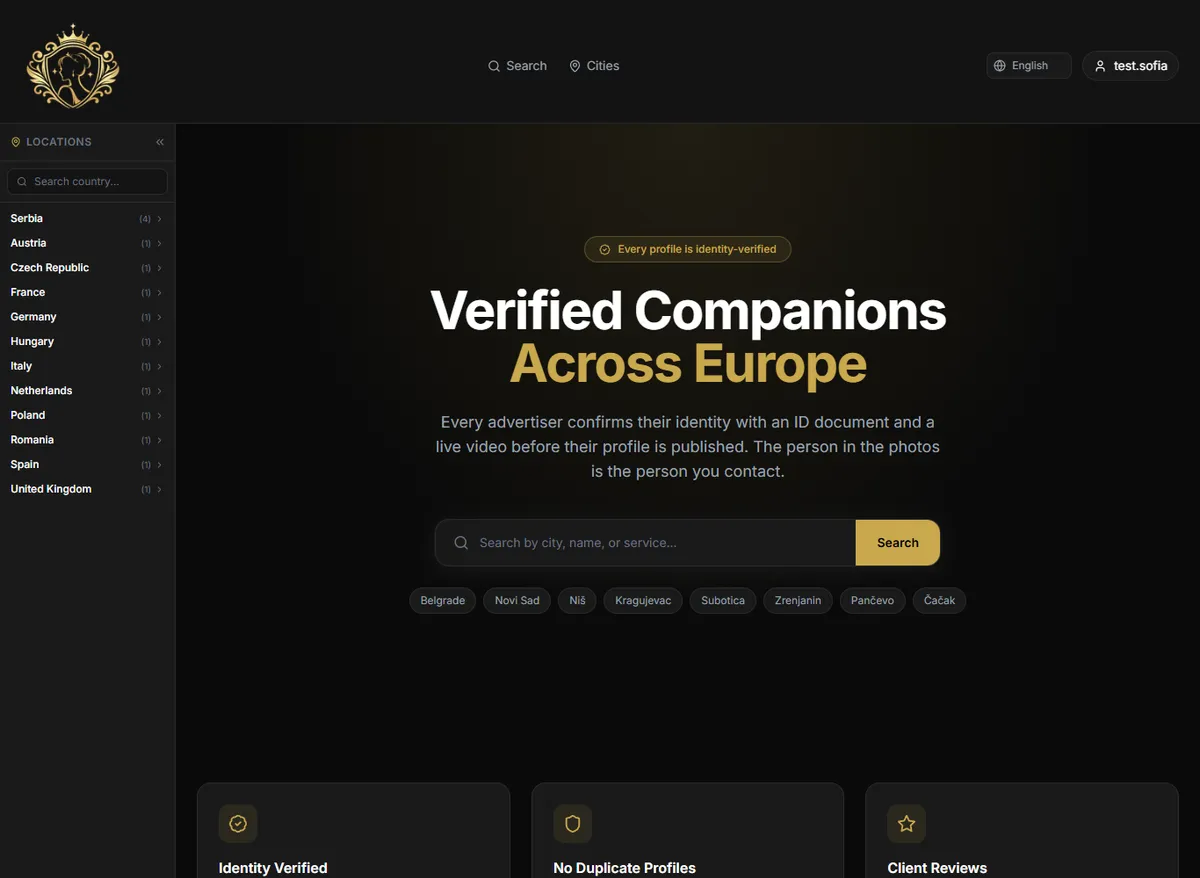
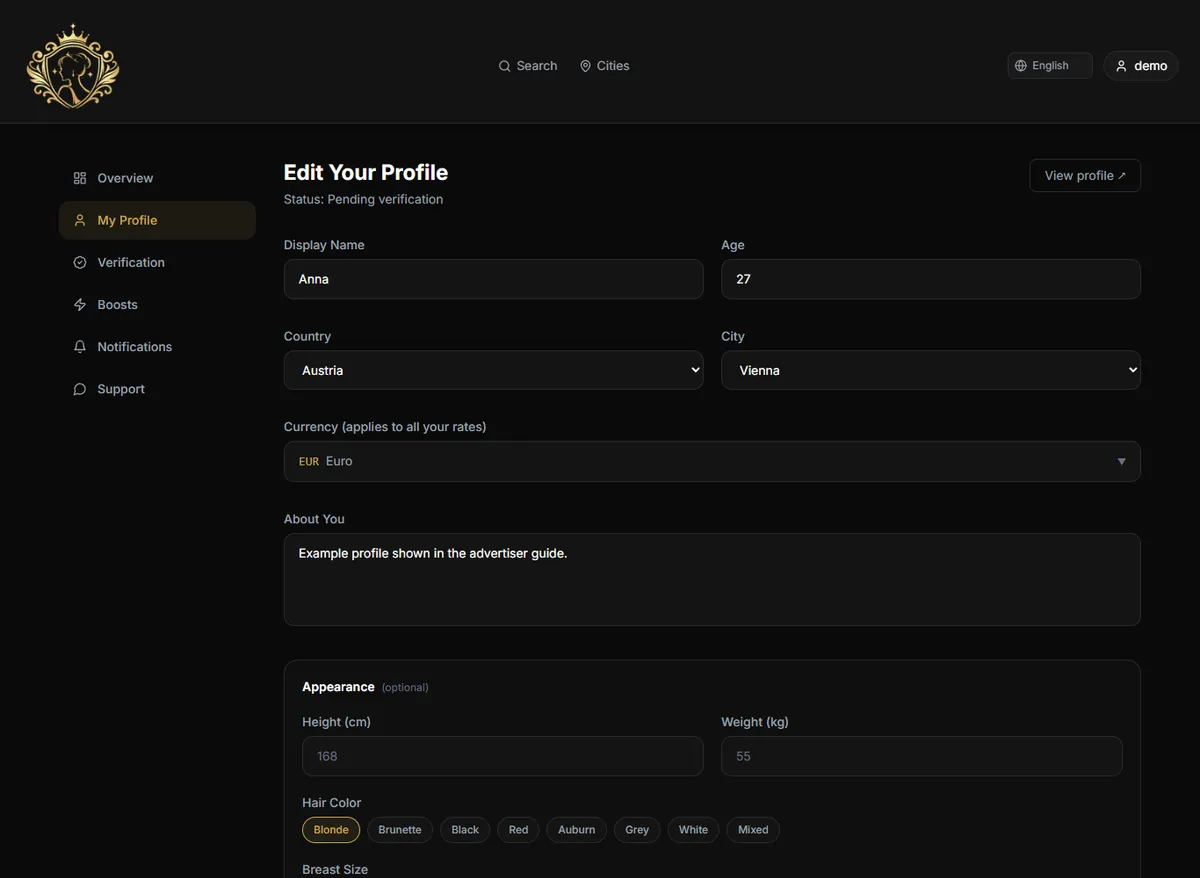
From your dashboard open Edit Your Profile and fill in your details: display name, age, city and country, a short description, and your appearance, languages and services. Everything can be updated whenever you want.
Add your photos
Upload clear, recent photos of yourself. The first one becomes your main picture; you can change which is primary, reorder them, or rotate any photo that is sideways. Every photo is automatically watermarked with the site name to protect it, and all photos are reviewed before they appear publicly.
Set your rates
Add a price for each duration you offer. Each rate has a separate field for in-call (clients visit you) and out-call (you visit the client); the out-call price is optional. Prices show on your public profile in the currency you select.
Choose how clients contact you
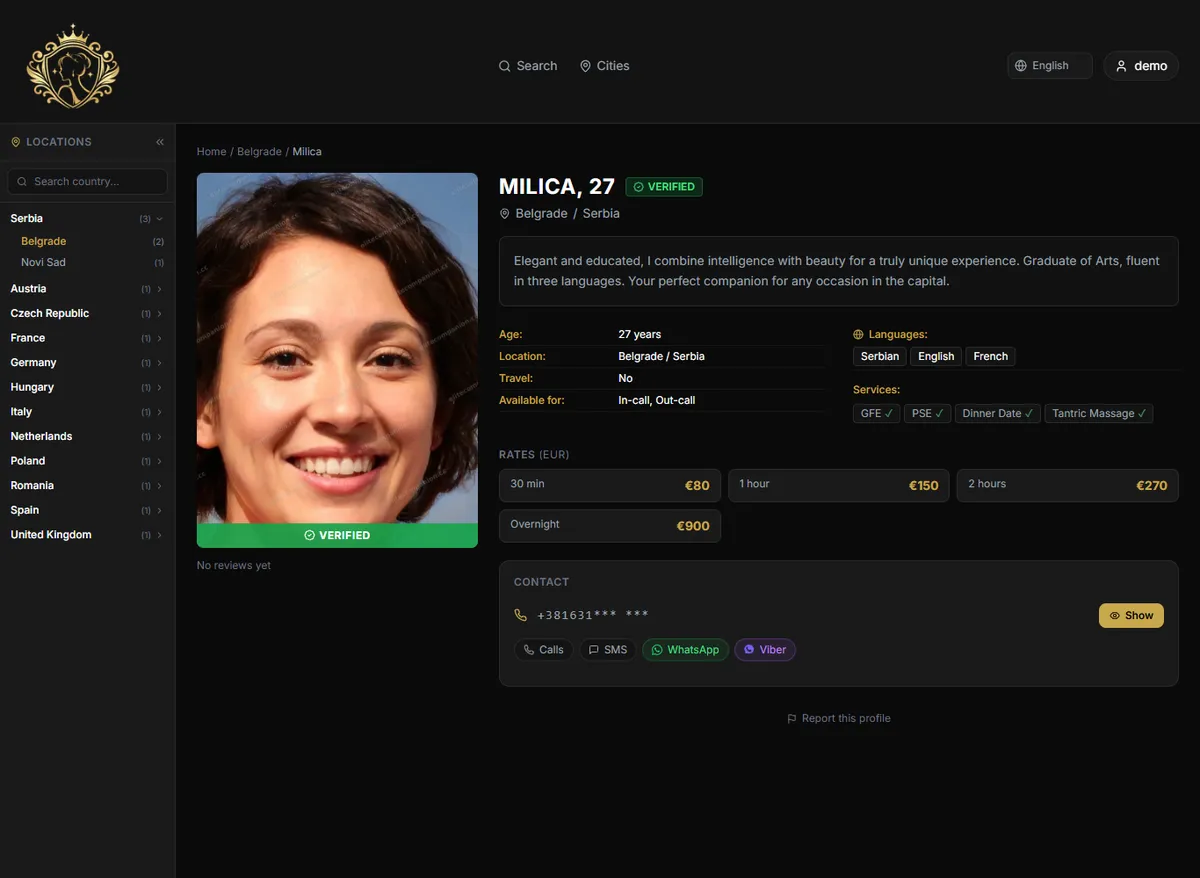
Pick which contact methods to show: phone call, SMS, WhatsApp, Viber or Telegram. Remove any you do not use; only the methods you keep are shown to clients.
Get verified
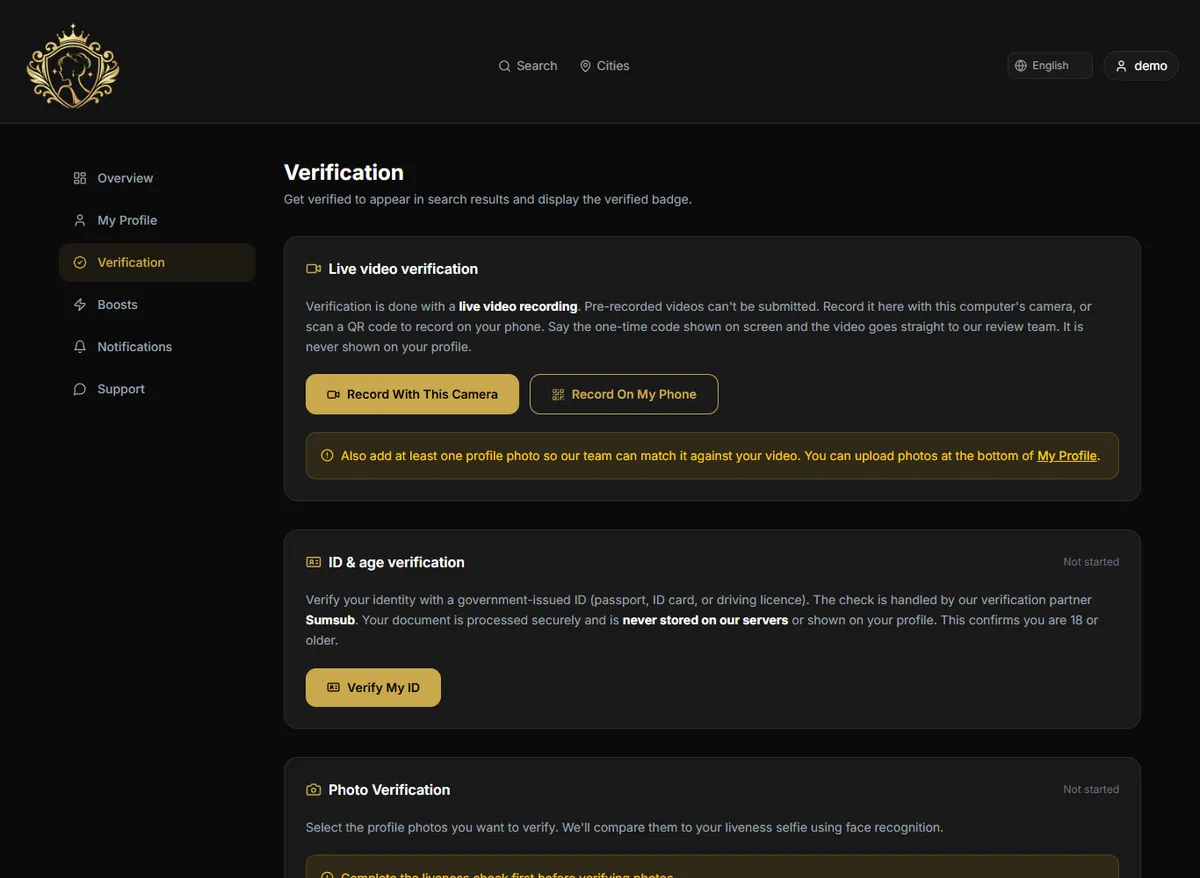
Verification is required before your profile goes live. Record a short live video (use your computer camera, or scan the QR code to record on your phone) showing the code on screen, then complete the 18+ ID check with our verification partner. Your verification video and selfie are stored privately, are seen only by our review team, and are never shown on your profile or made public. The 18+ ID check is carried out by our specialist verification partner, so your identity document and personal data are not stored on our platform.
Go live
Once our team approves your video and ID, your profile is published and shows the green Verified badge. Approval is manual and usually quick; you will see the status change to verified on your dashboard.
Reviews
Only registered clients who revealed your contact details can leave a review, and every review is checked by our team before it appears. A review must include written text and a screenshot of your communication as proof; a rating with no text or proof is not accepted. Your public rating is the average of approved client reviews.
Promote your profile
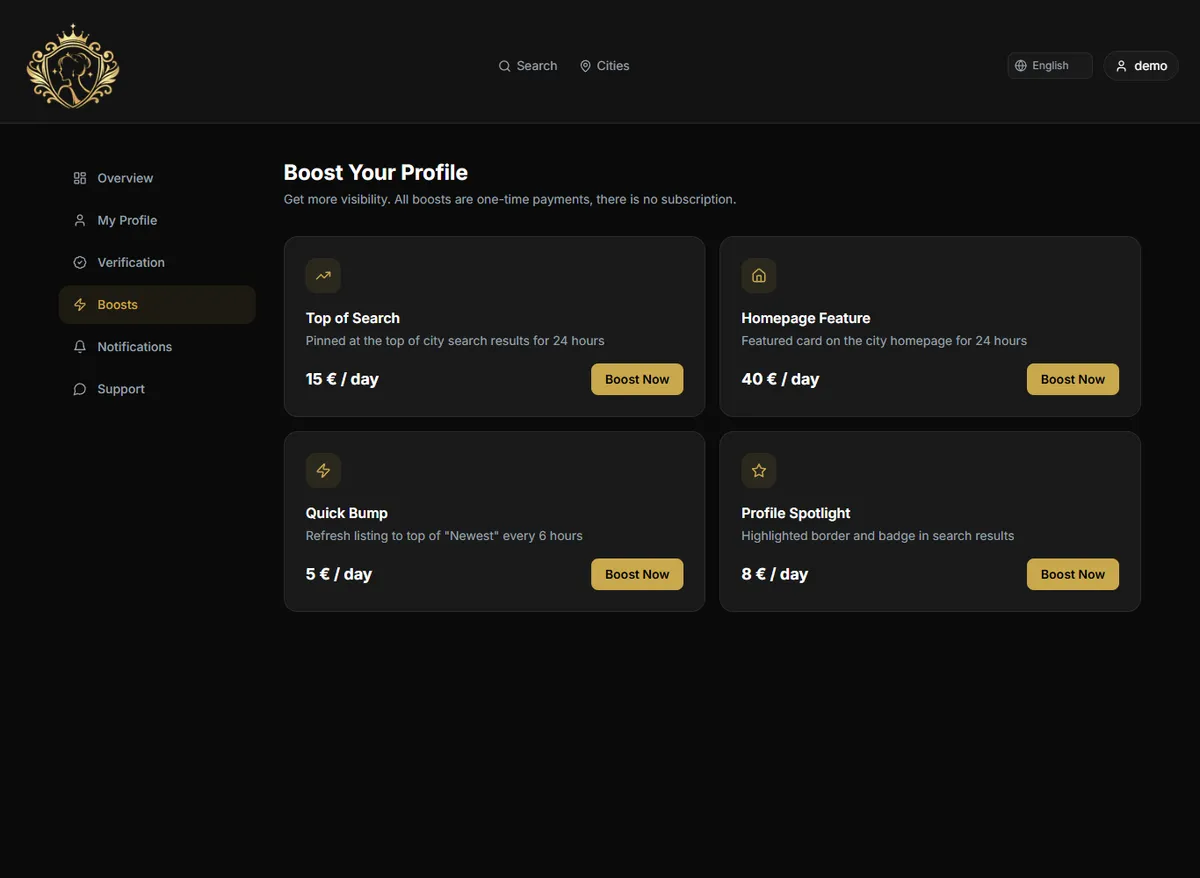
Boosts give your profile more visibility for 24 hours: Top of Search, Homepage Feature, Quick Bump and Profile Spotlight. Open Boosts in your dashboard, choose one, and pay at checkout. Boosts are one-time and activate immediately.
Frequently asked questions
What happens to my verification video and ID?+
Your verification video and selfie are stored privately and securely, are used only by our review team, and are never shown on your profile or reachable by any public link. The 18+ ID check is handled by our specialist verification partner, so your identity document and personal details are not stored on our platform.
Why is there a watermark on my photos?+
Every uploaded photo is watermarked with the site name so it cannot be easily copied and reused elsewhere. It is applied automatically and kept discreet.
One of my photos looks sideways. How do I fix it?+
Open the photo manager in Edit Your Profile and use the rotate buttons on the photo. New uploads are corrected automatically; the rotate control is for older photos.
Can I charge different prices for in-call and out-call?+
Yes. Each duration has separate in-call and out-call price fields. Fill in the out-call price only if you offer it.
How long does verification take?+
Review is done manually by our team and is usually quick. You can check the current status on your dashboard, and you will be notified if anything needs to be redone.
Why was my photo or review rejected?+
Photos must clearly show you and match your verification. Reviews must come from a client who revealed your contact and must include text and a proof screenshot. Anything that does not meet these rules is not published.
How do I change the site language?+
Use the language selector in the top bar. English, Serbian, Russian, Portuguese and Spanish are supported, and your choice is kept across the whole site.
Can I edit my profile after it is published?+
Yes. You can update your details, photos, rates and contact methods at any time from your dashboard. Major photo changes may be re-reviewed before they show.